A book notes appDon’t let the books
you read fade away.
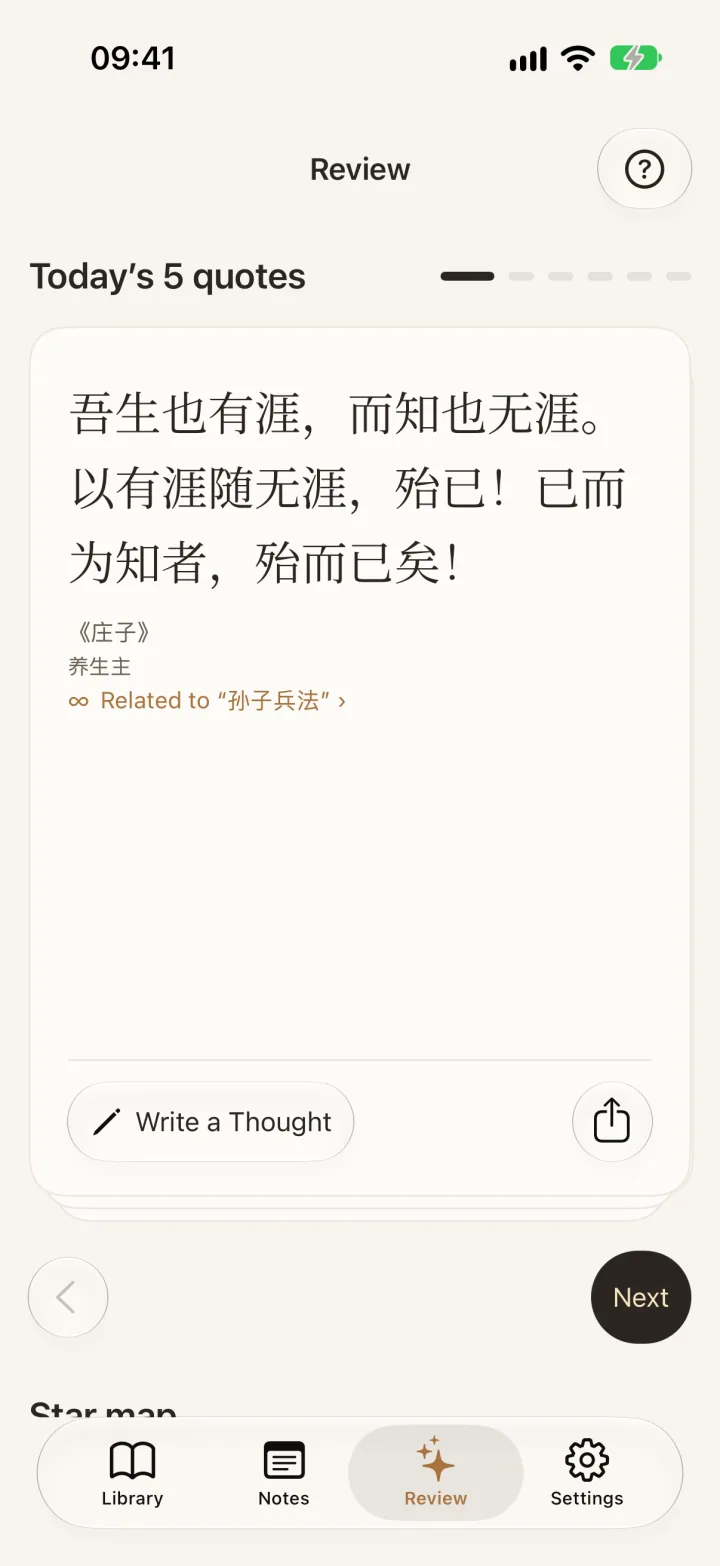
EasyReadAI gathers your highlights, brings one back each day, finds threads between books, and helps you think them through.
What is EasyReadAI?
EasyReadAI is a book notes app for iPhone, iPad and Mac. It keeps the highlights you make in ebooks and the lines you photograph from paper books in one place, and brings one back every day. Stuck on a passage? Highlight it and ask AI.
01 / Collect
Save highlights from ebooks, paper books and EPUB
Your highlights,
from anywhere
Bring in highlights from WeRead, passages saved while reading in the app, or text photographed from paper books. Read EPUB, PDF and TXT at your own pace.
Sync WeRead highlights with your official WeRead key (app 2.6.1 or later), or copy and paste them one book at a time; either way, a note cannot jump back to the WeRead passage. Paper-book OCR runs locally; optional AI proofreading sends the image and text.
Import highlights and books →How to read EPUB with an AI companion →
02 / Revisit
Daily highlight review and a Home Screen widget
An old highlight,
back in your day
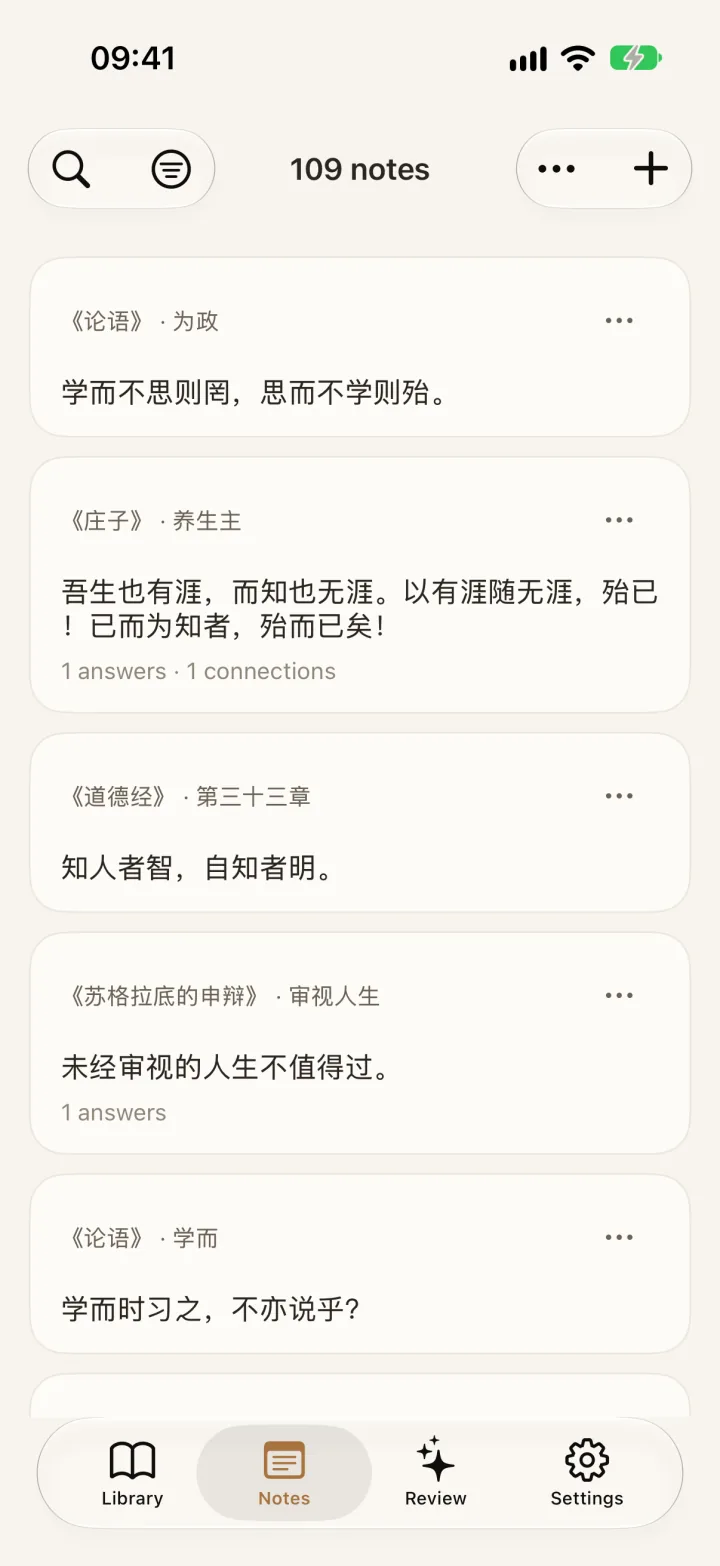
Open the app for Today’s 5 quotes. Put a passage on your iPhone or iPad Home Screen with a widget, so familiar words can find you again.
Widgets are iOS only. Today’s 5 quotes come from your saved passages. A small collection may repeat; five new quotes every day are not guaranteed. This is not spaced repetition.
Explore daily review →Quote widget →Set up the quote widget →
03 / Connect
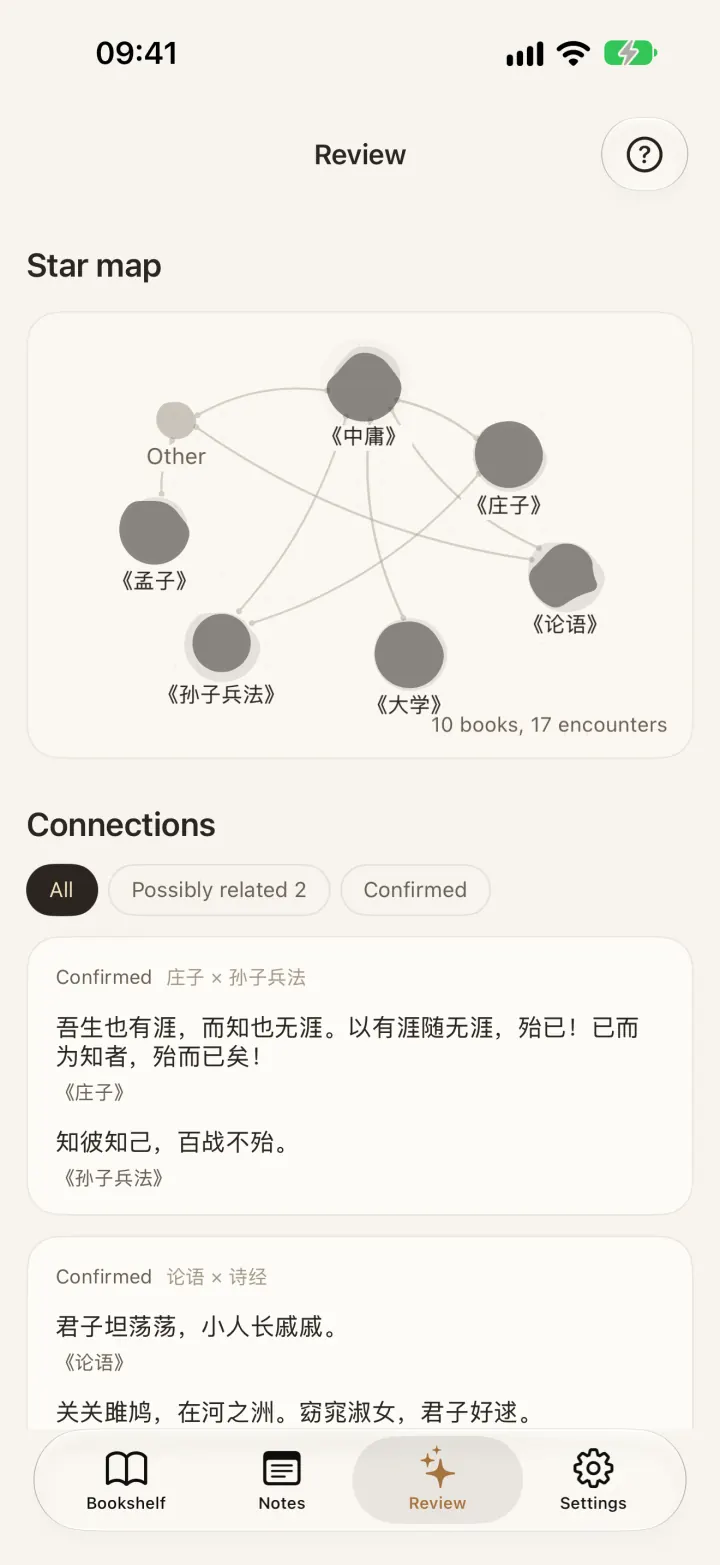
Star Map: find highlights that echo across books
Across books,
ideas connect
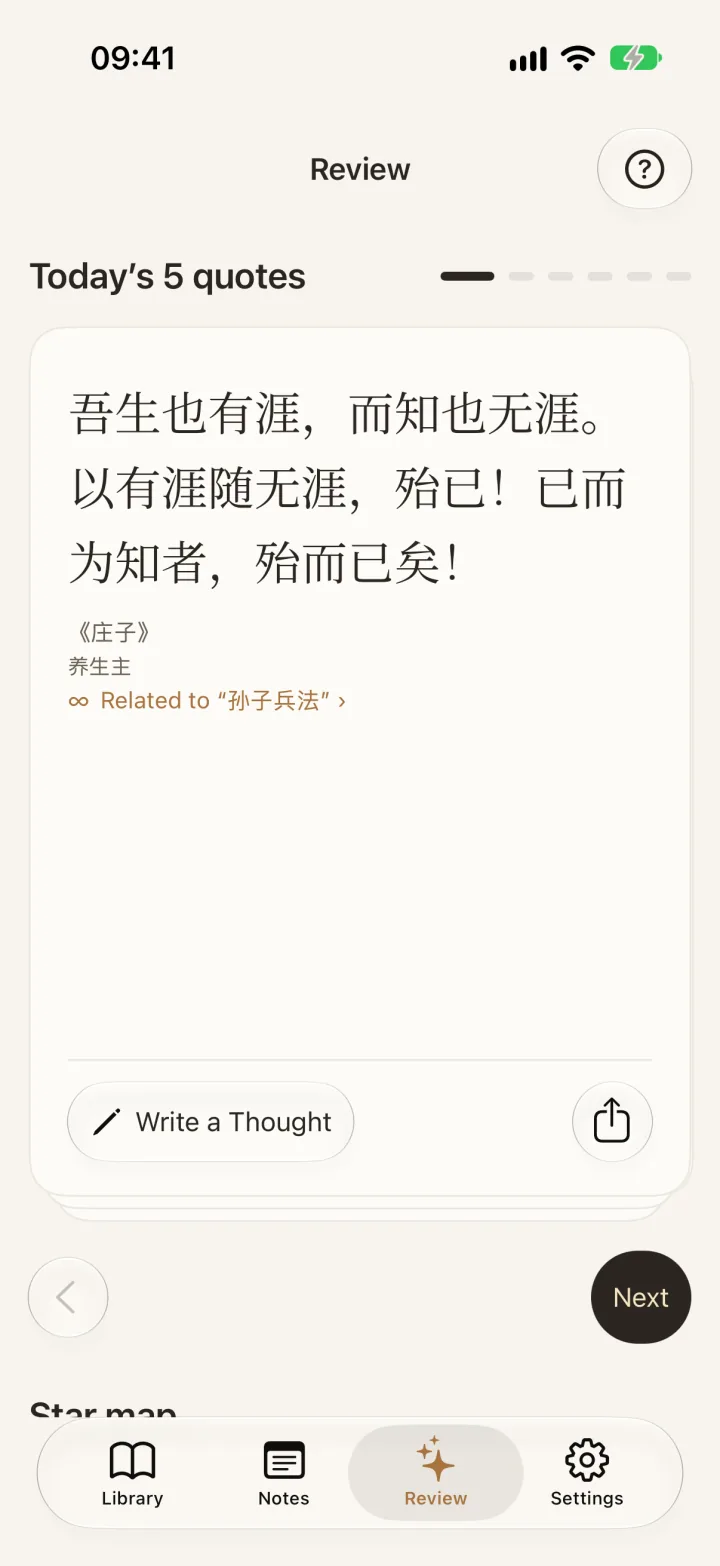
Compare passages from different books on your device. Read them in context, then keep the connections that mean something to you.
Requires at least two books and iOS 17+. Generate connections manually, free of AI credits. Results can be empty or tenuous; similar wording does not mean agreement. Matching stays on-device without uploading notes.
04 / Ask
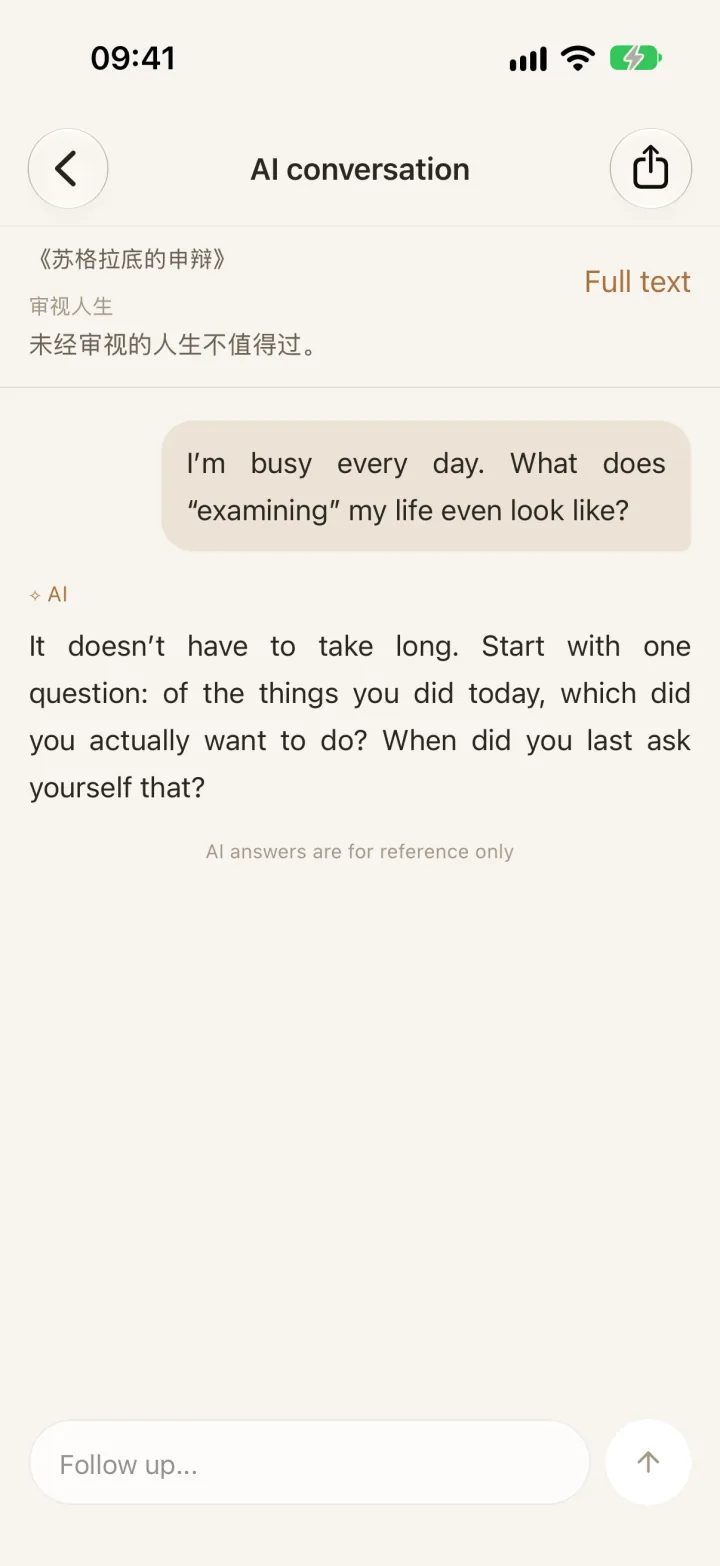
Ask AI about any highlight, with the passage in context
Keep asking,
until you understand
Ask with the original passage and keep the conversation going. Customize the response style, choose a model, or use your own API key.
AI Q&A uses credits. On first use, consent is required to send the passage and question to your chosen service. AI answers are for reference only.
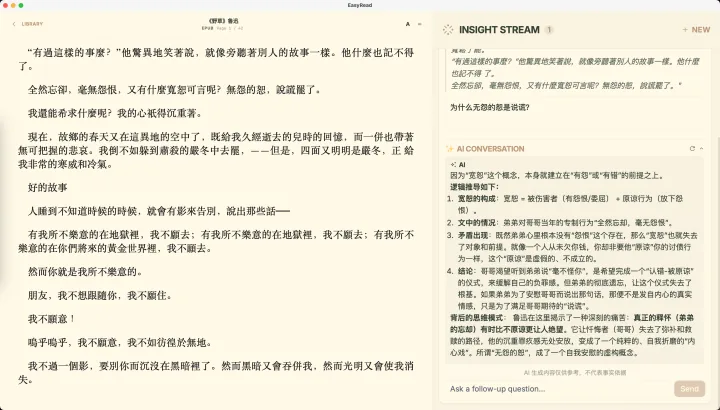
Read on your Mac, too
Back at your desk, keep reading, organize your notes, and ask with the passage in context.
A few things to know
Your books stay local
Books and notes are stored on your device. Cross-book matching runs there too.
AI starts with you
AI Q&A and optional AI proofreading send content only when you choose to use them and give permission.
Copy and import
Two ways: connect once with your official WeRead key to sync many books and tap Refresh books for new notes (app 2.6.1 or later), or copy one book’s highlights and paste them in. Either way, there is no jump back to WeRead.
Common questions
What if I forget a book right after I finish it?
Open the app and reread Today’s 5 quotes, or put your excerpts on an iPhone or iPad Home Screen widget. Today’s 5 quotes come from passages you saved. A small collection may repeat; five new quotes every day are not guaranteed. This is not spaced repetition.
Can I import Kindle highlights?
Not at the moment. You can read DRM-free EPUB, PDF, TXT and RTF files in EasyReadAI and highlight as you go, and add lines from paper books by taking a photo.
How do I keep notes from a paper book?
Photograph the page. OCR runs on the device. Optional AI proofreading sends the image and the text.
What if I get stuck on a passage?
Highlight it and ask AI with the original text. You can keep asking. AI Q&A uses credits. On first use, consent is required to send the passage and question to your chosen service. AI answers are for reference only.
What is Star Map?
Star Map compares sentences across your books on the device. It takes shape after you keep 6 connections that cover 3 books. Before that, it shows “Your star map is taking shape.” It needs at least two books and iOS 17 or later. You generate it yourself. It is free and does not use AI credits. Results can be empty or tenuous. Similar wording does not mean the ideas agree.
From the blog