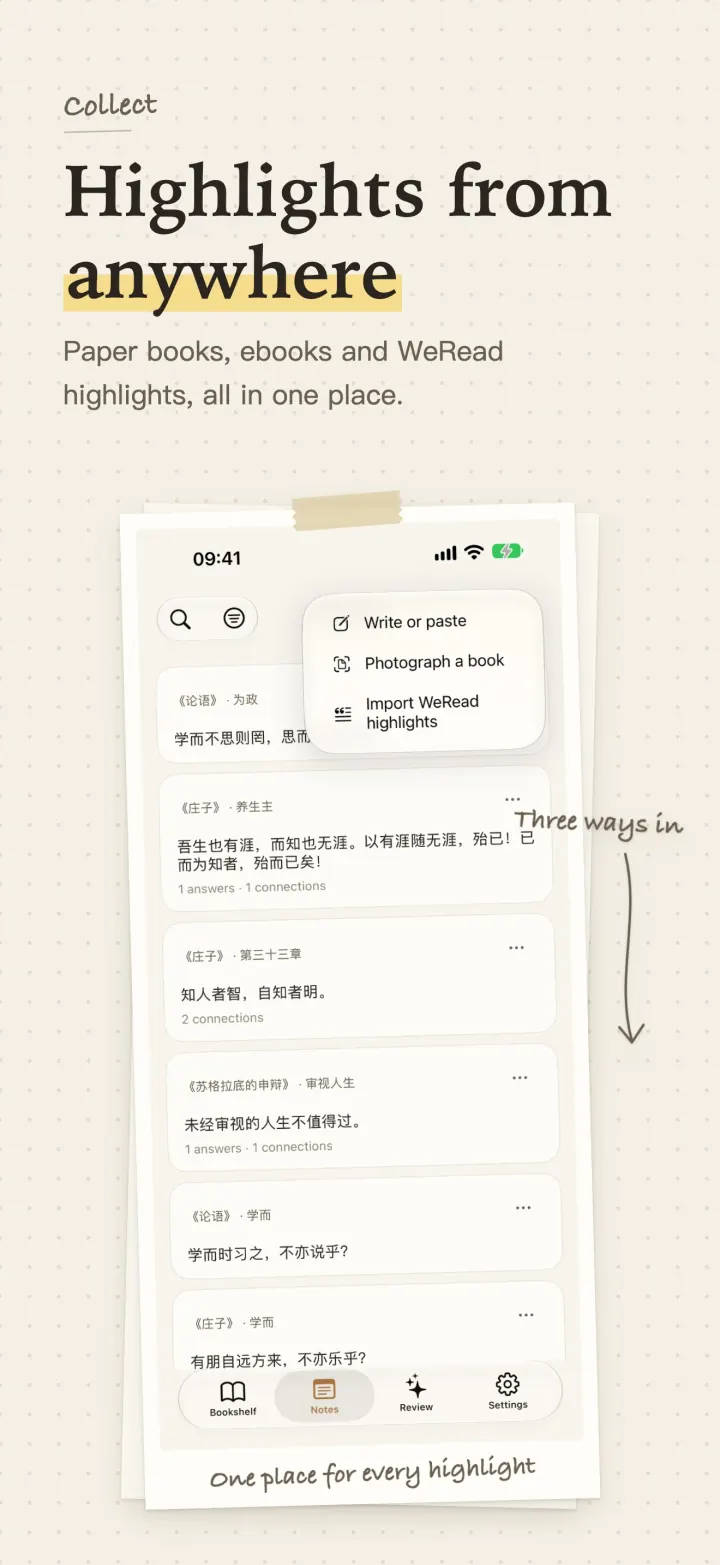
Highlights land in one place: imported from Kindle, synced or copied from WeRead, copied from Apple Books, photographed from a paper book, or marked while you read an ebook in the app.
WeRead highlights
There are two ways to bring in WeRead (微信读书) highlights.
Sync with your official key (app 2.6.1 or later): in WeRead, go to Me → Settings → WeRead Skill and copy your key (it starts with wrk-). In EasyReadAI, choose Sync WeRead notes from the new-note menu and paste it. Pick the books to sync, many at once; later, Refresh books marks the ones with new notes. The key stays in your device Keychain, and the app talks to the official WeRead API directly, not through EasyReadAI servers. Highlights you already imported are marked as duplicates and not added twice. Book reviews and chapter comments that quote no text are not imported yet. Setup steps with screenshots (Chinese)
Copy and paste per book: copy one book's highlights in WeRead, then paste them into EasyReadAI.
Either way, a note cannot open the original passage in WeRead.
Kindle highlights
Available from app 2.6.1.
Kindle app: open a book → Notebook → Export, set the citation style to None, and save it to Files. In EasyReadAI, choose Import Kindle highlights from the new-note menu and pick that file. You can also share the export straight to EasyReadAI.
Kindle e-reader: share or import the My Clippings.txt file from the e-reader. Every book in it comes in at once.
This brings in your highlights and notes, not the book itself. Books bought in the Kindle store have DRM and cannot be imported as ebooks.
Apple Books highlights
Available from app 2.6.1. Books on iPhone does not let you share highlights to other apps, so you copy and paste:
- iPhone: copy a highlight in Books, then create a note in EasyReadAI and paste it. The book title is filled in for you.
- Mac: open the highlights list in Books, select the ones you want, press ⌘C and paste into EasyReadAI. With Universal Clipboard on, what you copy on a Mac pastes straight into your iPhone. Pasting several highlights opens an import preview first.
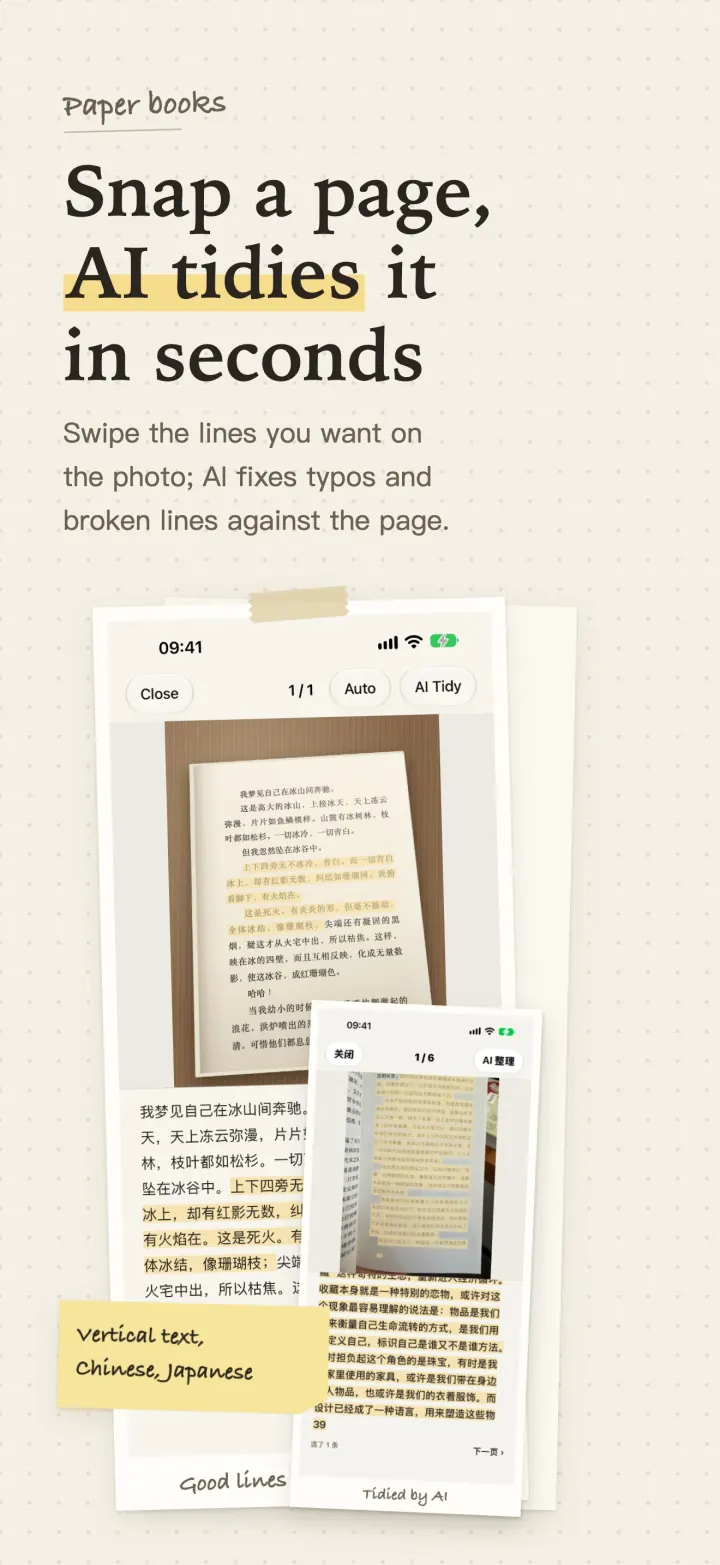
Paper books
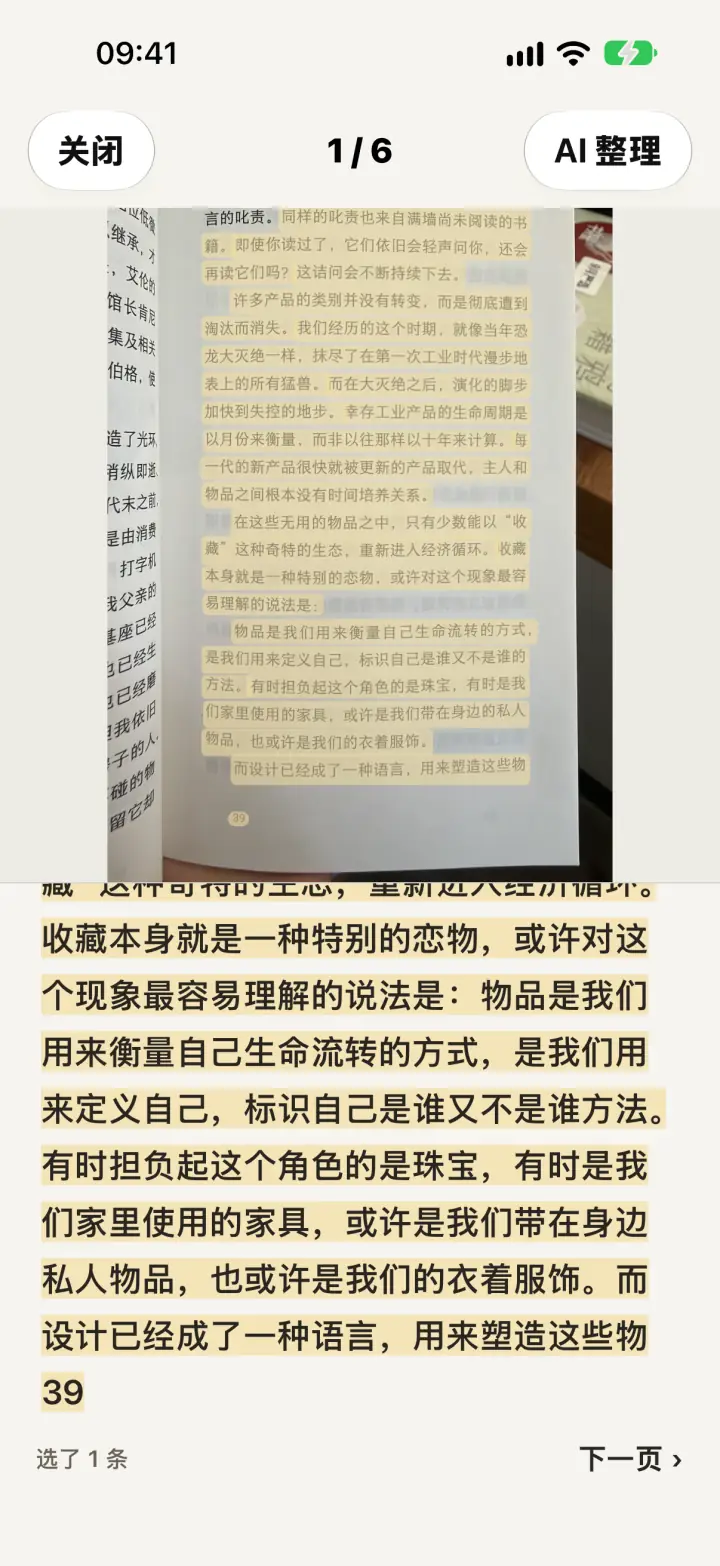
Photograph a page. OCR runs on your device. You keep the lines you swipe on the photo. Optional AI proofreading fixes typos and broken lines against the picture, and that step sends the photo and the text.
Ebooks
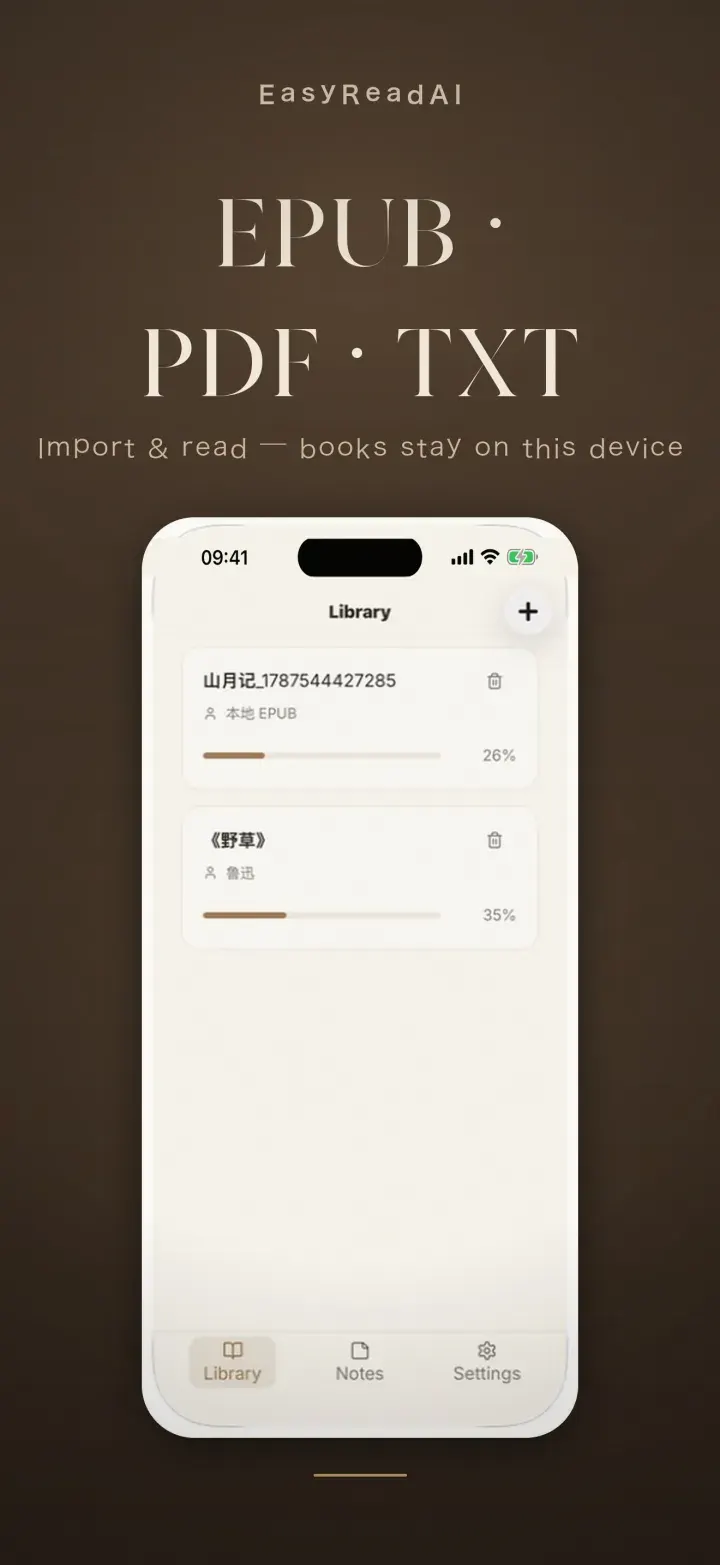
Import EPUB, PDF, TXT and RTF. On Mac you can also import RTFD. While you read these files in the app, you can highlight directly.
Sources that are not available
밀리의서재 and Readmoo are not supported.
Export
After you select several notes, the bar at the bottom exports an image (PNG or a share card) and a CSV. The CSV includes the book title, chapter, highlight, note, conversation, page and time.
Markdown export is not supported. Sync to Obsidian, Notion or Kobo is not supported.
Limits
WeRead highlights sync with your official key (app 2.6.1 or later) or are pasted one book at a time. Either way, a note cannot jump back to WeRead. Kindle and Apple Books imports bring in highlights, not the books. Paper OCR runs on your device. Optional AI proofreading sends the photo and the text.
Keep going
- Photograph a paper book
- Review: Today’s 5 quotes and connections
- EPUB to text
- Ask AI on a highlight
- Back to the home page
Common questions
Can WeRead highlights sync automatically?
Yes, with app 2.6.1 or later. Connect once with your official WeRead key to sync many books, then tap Refresh books for new notes. You can also copy one book at a time and paste it in. Either way, a note cannot jump back to the original in WeRead.
Where is a paper page recognized?
After you photograph the page, OCR runs on your device. Optional AI proofreading sends the photo and the text.
Can I import Kindle or Apple Books highlights?
Yes, with app 2.6.1 or later. For Kindle, import the notebook file exported from the Kindle app or My Clippings.txt from a Kindle e-reader, many books at once. For Apple Books, copy highlights and paste them into a new note; the book title is filled in for you, and on Mac you can copy the whole list. 밀리의서재 and Readmoo are not supported.
Can I export to Obsidian or Notion?
No. You can export an image (PNG or a share card) and a CSV. Markdown export is not supported, and neither is sync to Obsidian, Notion or Kobo.